
Equipment Manuals & Self-Service Troubleshooting
Self-service support, 24/7
Fix It Fast. Manuals, Step-by-Step Troubleshooting and Videos.
Safety first: Stop using and disconnect the equipment if you observe an electrical problem, repeated fuse or breaker operation, smoke, a burning odor, uncontrolled heating, leakage, unstable movement or another condition that could create a hazard or increase equipment damage. Do not repeatedly replace a fuse or reset a breaker.
Trusted by












Reviews
- ★★★★★
We purchased our PRIMO Melter and EZ system from Melting & Filling Equipment for our ointment and...
Rowena, Herbs From Wales, UNITED KINGDOMRead more - ★★★★★
We love the PRIMO 1000 & PRIMO 2000 we ordered. They are definitely speeding up our wax melt...
Tyson K., Candle Warmers Etc.Read more - ★★★★★
I just wanted to take a moment to thank all of you- you are truly a pleasure to do business with....
Shannon D., Pure Light Candle CompanyRead more - ★★★★★
We were so pleased with our melting tank that we ordered another melter the same exact day. It...
Jim, J.C. Danczak, Inc., Westfield, MassachusettsRead more I kissed my melter....Thank you!!!!!!!! I sincerely do not know how I did without one! What took me...
Jenny W., HB Wax Manufacturing Inc., Ontario, CANADARead moreWithout the AutoShot system in our facility we would have had extreme backorders and labor costs...
Kevin Preece, COO, Scentsy, Meridian, IdahoRead moreWe are still so happy with the (2) PRIMO 50 melters we bought from you 8 years ago for our soy...
Glenn C., Madeline Island CandlesRead moreTo Everyone at WaxMelters, I just want to THANK YOU for making my job easier. With the new melter I...
Donna R., Aurora Borealis CandlesRead moreIt takes us 15 minutes to do what used to take us 45 minutes. AND, that was just the first day.
Thomas Crane, Purely Wax Werks, Vancouver, WashingtonRead moreWhat used to take me hours, now takes me minutes! Love it!! I will recommend your company to other...
Sonja Minic, Managing Director & Candle Artisan, Green Scents Pure Soy Candles, AustraliaRead moreWe purchased the EZ Filling System and increased our production 50% the first day! Reduced our...
Ellen Kay R., New Boston CandleRead moreWaxMelters customized our extreme tank exactly the way we needed it. This PRIMO 2000 is even better...
Tom B., Wholistic BotanicalsRead more
All Owner Manuals (PDF)



1
What equipment do you have?
Tap your machine. Each guide has a symptom troubleshooter, videos and the full manual as a one-click PDF.
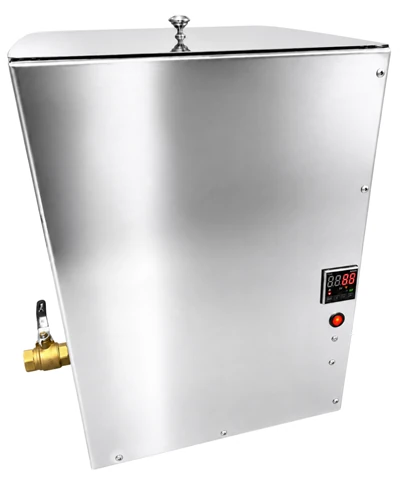 PRIMO MelterMelting tanks6 fixes · 10 videos · PDF
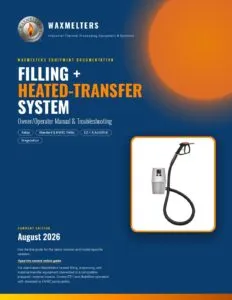
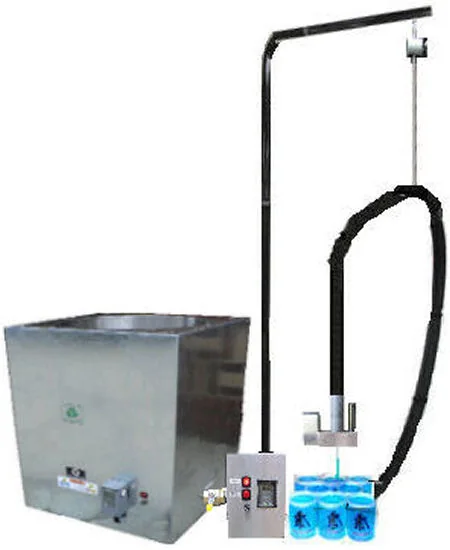 Filling + Heated-Transfer SystemAutoShot, QUATTRO, OCTO, EZ-1, HVISC10 fixes · 19 videos · PDF
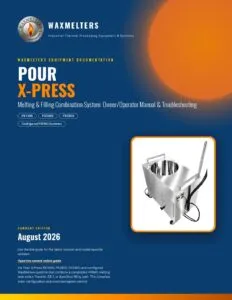
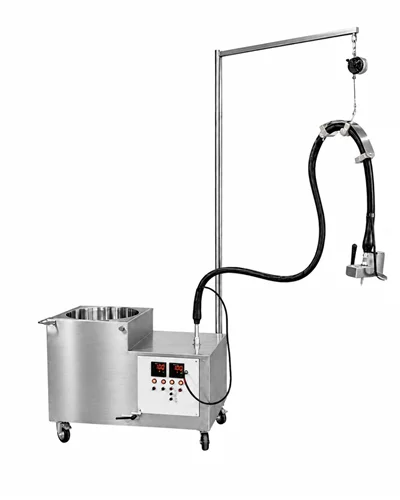 Pour X-Press Combination SystemPX1000, PX2000, PX300012 fixes · 21 videos · PDF
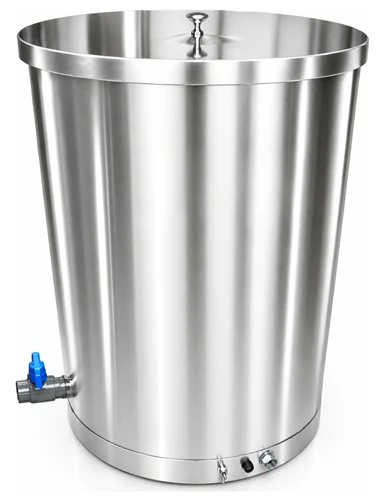 PRIMO Heated Holding & Dispensing TankPRIMO 14 to PRIMO 836 fixes · 7 videos · PDF
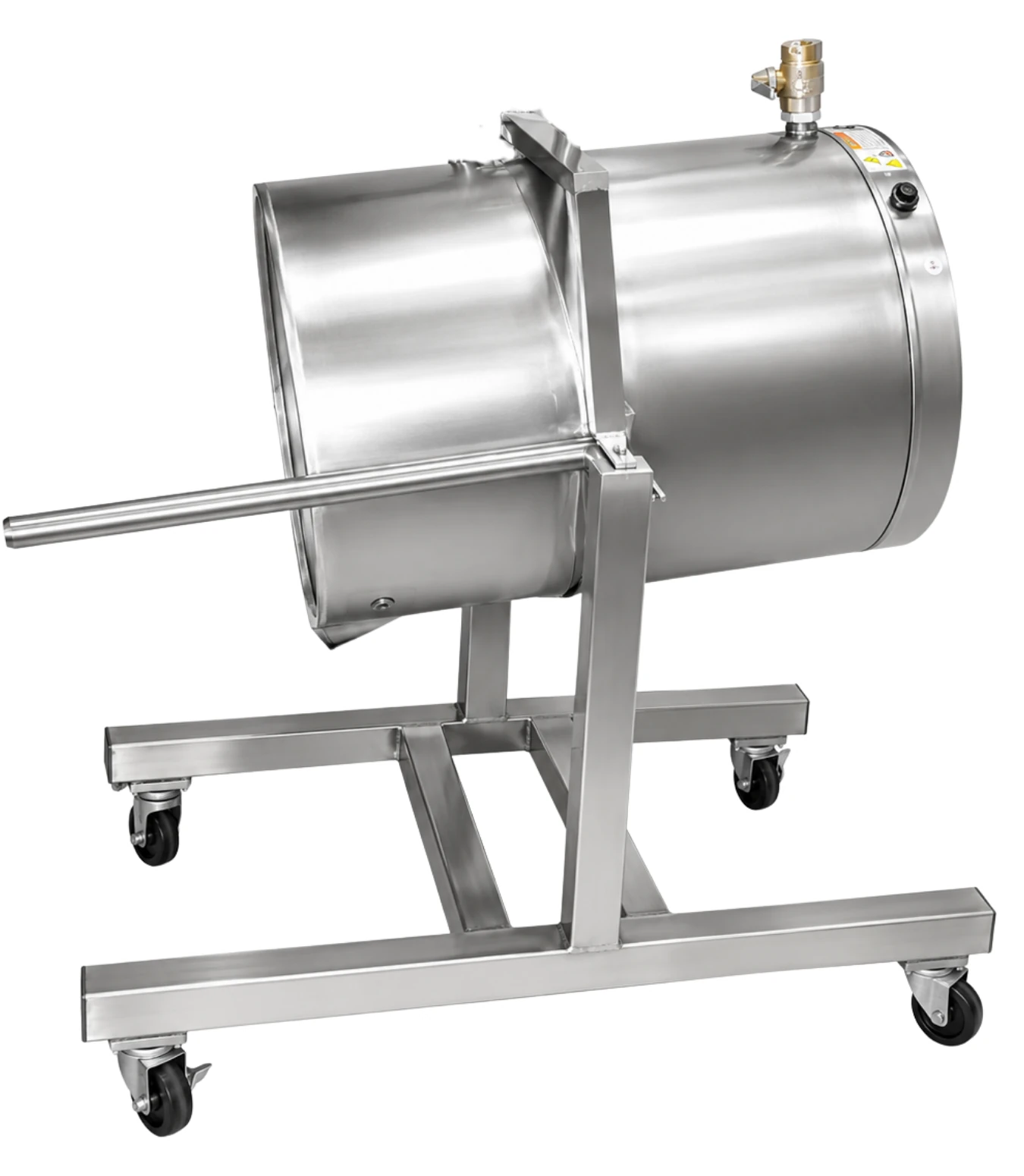 PRIMO Tilting Process Kettle15, 25 and 40 gallon pot tippers9 fixes · 7 videos · PDF
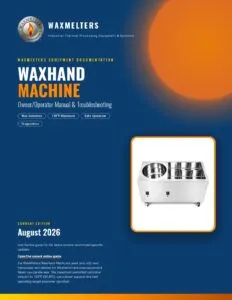
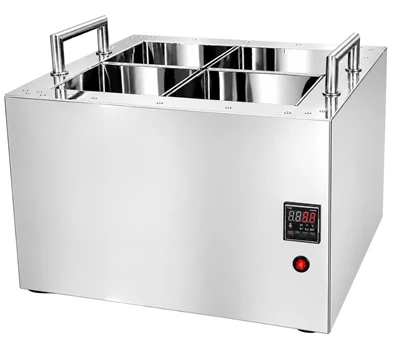 WaxHand MachineWax hands machines and carts7 fixes · 7 videos · PDFOlder or legacy equipment (1999+)Historical manuals archive19 PDF
Have an older model? See Legacy Manuals
Not sure which one you have? Check the nameplate on the back or side of the unit for the model and serial number.
Video Library
Quick Answers
Which guide covers a PRIMO melter connected to a filling or transfer system?
Use the Pour X-Press Combination System guide when the melter and downstream transfer, EZ-1 or AutoShot equipment operate as one production system. It coordinates startup, shutdown and diagnosis across both sides.
Which guide covers a stand-alone filler, pump or heated-transfer setup?
Use the Filling & Heated-Transfer Systems guide when the downstream equipment is being operated or diagnosed separately from the source melter or holding tank.
Are the heated holding tank and tilting kettle the same equipment?
No. The PRIMO Heated Holding & Dispensing Tank stays upright and dispenses through its configured outlet. The PRIMO Tilting Process Kettle is designed to tilt and therefore requires different setup, pouring and mechanical-safety instructions.
Why must I match the controller face and equipment generation?
Different equipment generations can use different controllers and settings. Do not apply an advanced-parameter table or programming video unless the equipment model, controller face and generation match.
What if I cannot identify my model or find the correct guide?
Submit a Technical Support & Service Request with clear photos of the complete equipment, control panel and data label, plus any available serial number or original order information.
Where do I find my model and serial number?
On the nameplate on the back or side of the unit. Take a photo of it before you request support; it speeds everything up.
Can I use an extension cord or power strip?
No. Connect directly to a dedicated, grounded circuit that matches the nameplate.
My breaker tripped once. Can I reset it?
Reset once only after checking for damage. If it trips again, stop and follow the fuse and breaker steps for your equipment.
Do you sell replacement parts?
Yes. Heaters, controllers, switches, valves and pumps ship from our factory. See Replacement Parts below.
Is my older unit still supported?
Yes. Use the Historical Manuals archive, and ask about the legacy controller retrofit if your controller is discontinued.
Keep Production Moving
Still stuck?
Tried the steps and videos? Send us your model, serial number and a photo of the nameplate and controller, and our factory team will pick it up.
Start Guided Troubleshooting